 MOD
CapCut - Video Editor Pro Max infinity
- Premium unlocked
- Everything unlocked
- Ad-free
- +3
- Version
- v20.0.0
- Size
- 310.3MB
- Minimum Android version
- Android 6.0+
- Updated
Description
CapCut Pro Max infinity — a mod of CapCut (Cap Cut). Latest version 20.0.0, released November 12, 2026, 310.3 MB. Download Pro Max infinity for CapCut free on Android.
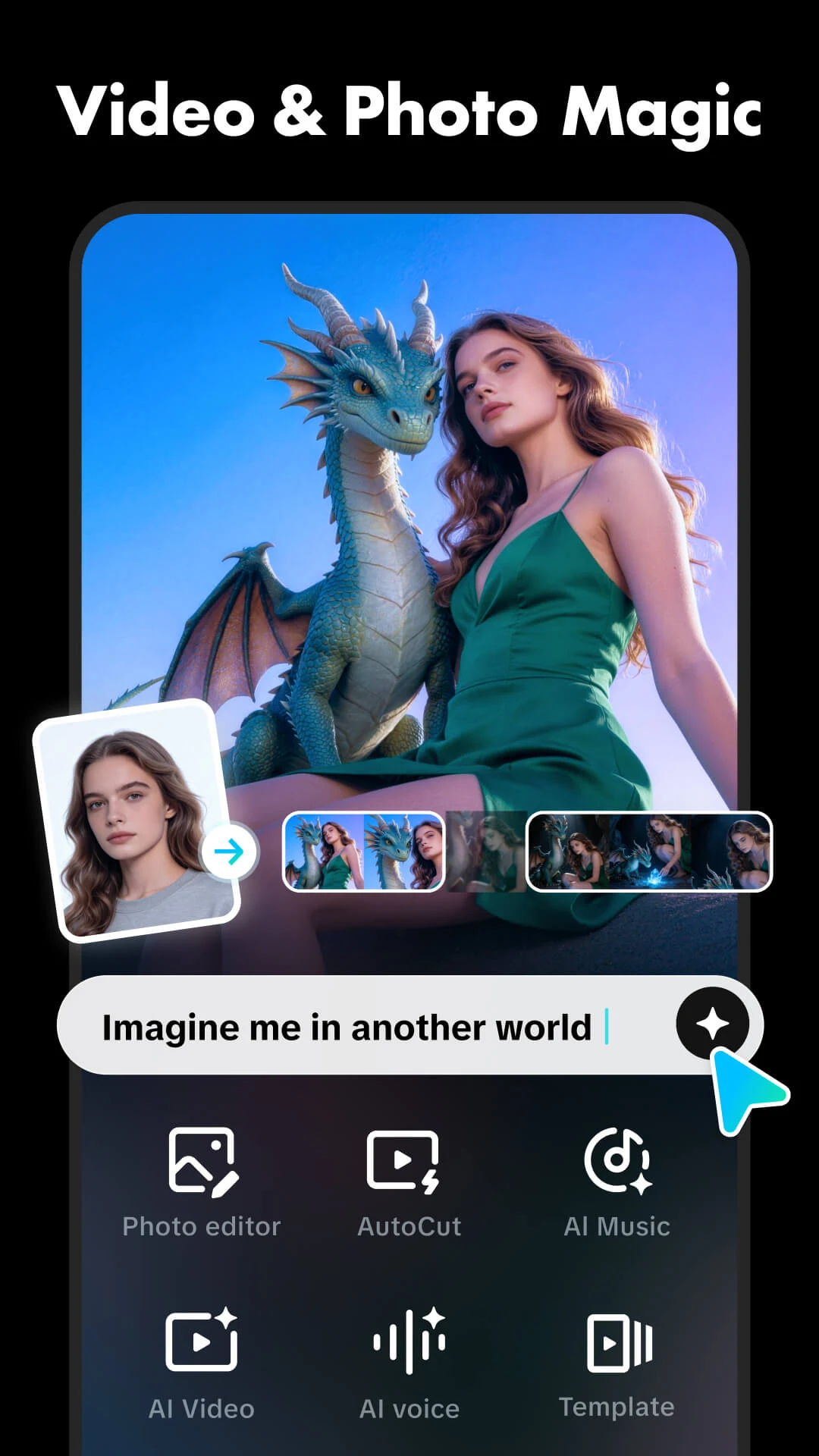
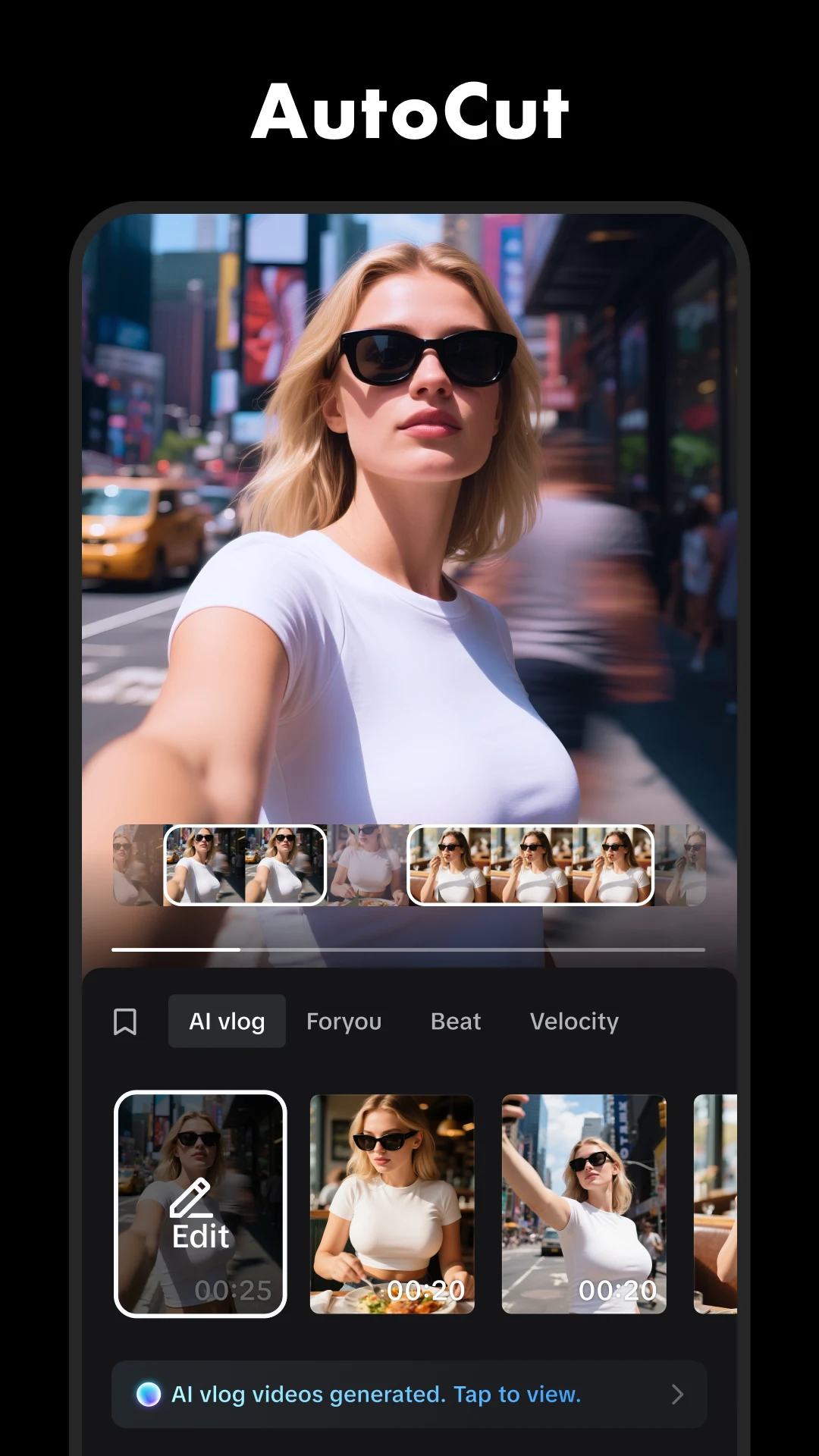
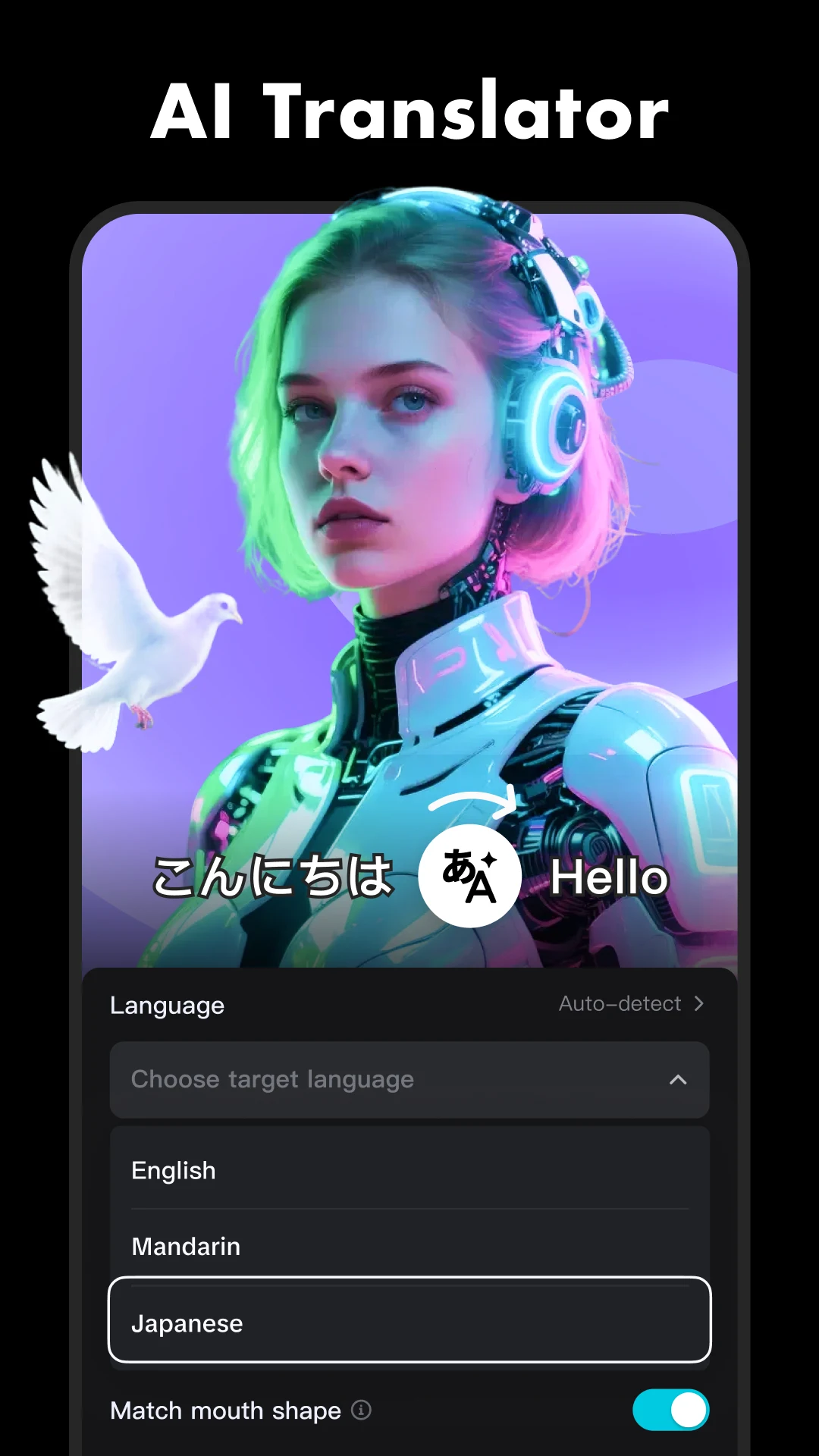
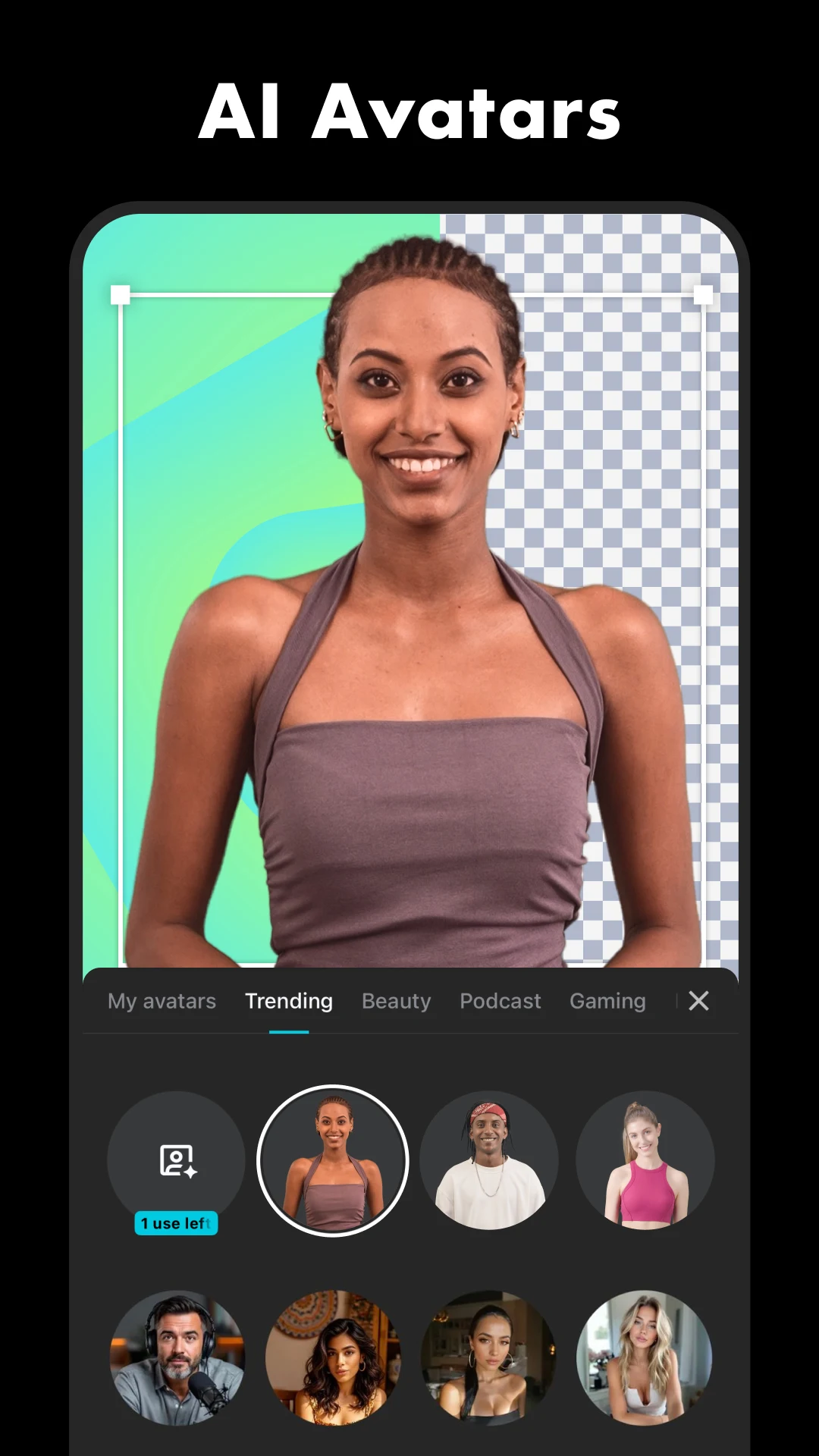
CapCut offers easy-to-use video editing functions, in-APP fonts and effects, advanced features such as keyframe animation, smooth slow-motion, chroma key, and stabilization, to help you capture and snip moments.
All builds of CapCut - Video EditorWhat's new in 20.0.0
The author did not leave a note for this version.
<br>"- Fixed some known issues - improved the trimming experience.<br>We thank you for supporting CapCut and look forward to creating beautiful moments together."<br>
Specifications
- Versionv20.0.0(20000200)
- Size310.3 MB
- AndroidAndroid 6.0 and above
- Target versionAndroid 16 (API 36)
- Architectures
- arm64
- arm32
- InstallationReplaces the original app
- SignatureOfficial signature
- ACCESS_ADSERVICES_AD_ID
- ACCESS_ADSERVICES_ATTRIBUTION
- ACCESS_ADSERVICES_TOPICS
- ACCESS_MEDIA_LOCATION
- ACCESS_NETWORK_STATE
- ACCESS_WIFI_STATE
- CAMERA
- CHANGE_NETWORK_STATE
- FOREGROUND_SERVICE
- FOREGROUND_SERVICE_DATA_SYNC
- HIGH_SAMPLING_RATE_SENSORS
- INTERNET
- KILL_BACKGROUND_PROCESSES
- POST_NOTIFICATIONS
- READ_CALENDAR
- READ_EXTERNAL_STORAGE
- READ_MEDIA_AUDIO
- READ_MEDIA_IMAGES
- READ_MEDIA_VIDEO
- READ_MEDIA_VISUAL_USER_SELECTED
- RECORD_AUDIO
- SYSTEM_ALERT_WINDOW
- USE_CREDENTIALS
- VIBRATE
- WAKE_LOCK
- WRITE_CALENDAR
- WRITE_EXTERNAL_STORAGE
- WRITE_SYNC_SETTINGS
- INSTALL_SHORTCUT
- UNINSTALL_SHORTCUT
- BILLING
- BIND_APPHUB_SERVICE
- RECEIVE
- BIND_GET_INSTALL_REFERRER_SERVICE
- AD_ID
- DYNAMIC_RECEIVER_NOT_EXPORTED_PERMISSION
- READ_SETTINGS
- WRITE_SETTINGS
- READ_ATTRIBUTION
- READ_APP_INFO
How to install
Download the file
Tap Download above — the file lands in your Downloads folder.
Check your Android version
The build needs Android 6.0 or newer: Settings → About phone → Android version.
Install the APK
Open the downloaded file. When Android asks, allow installs from this source (your browser or file manager) and tap Install.
Launch the app
Open the app once installed. Updates appear on this page: a new build by the same author installs on top, one with a different signature needs a reinstall.
Screenshots


Questions and answers
20.0.0, released November 12, 2026. Updates are published automatically when the author uploads a new build.
Yes, the download is free and needs no sign-up; the file is 310.3 MB.
Download the APK to your phone and open it: Android asks you to allow installs from this source, then tap Install. Full guide
In this mod: Premium unlocked, Everything unlocked, Ad-free, Pro, Unlimited, No root.