 MOD
Wavelet: headphone equalizer Headphone Equalizer Pro
- Mod
- Premium unlocked
- Everything unlocked
- +3
- Version
- v26.04
- Size
- 5.2MB
- Minimum Android version
- Android 9+
- Updated
Description
Wavelet Headphone Equalizer Pro — a mod of Wavelet. Latest version 26.04, released November 12, 2026, 5.2 MB. Download Headphone Equalizer Pro for Wavelet free on Android.
🎧 Wavelet MOD APK – Experience Sound Like Never Before!
Take your headphone audio experience to the next level with Wavelet, a powerful system-wide audio equalizer. Fine-tune your sound, enhance bass, improve clarity and customize your listening experience with advanced audio optimization tools.
🔥 MOD Features Unlocked:
- 🔓 Premium Features Unlocked
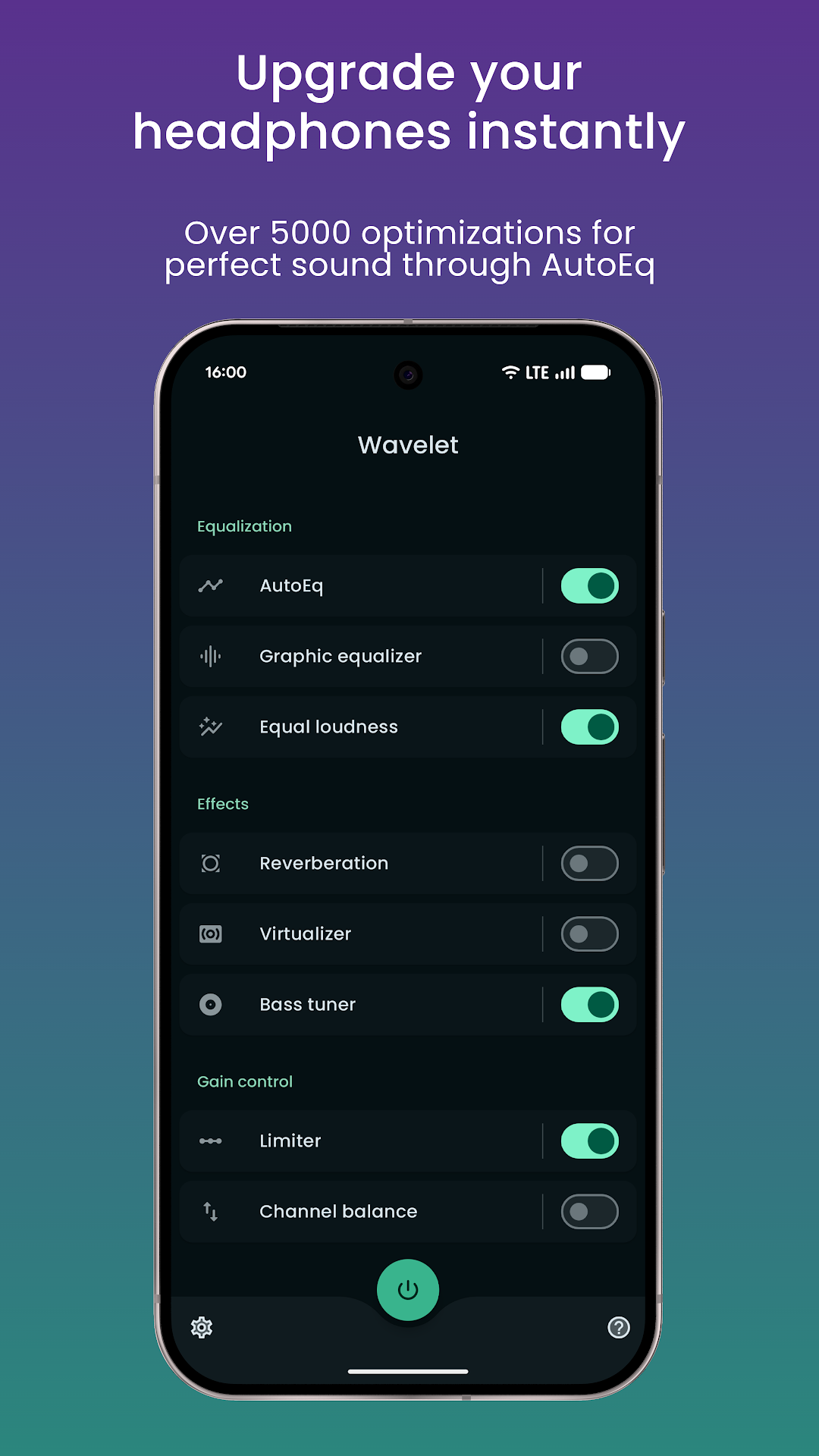
- 🎵 Advanced Audio Equalizer
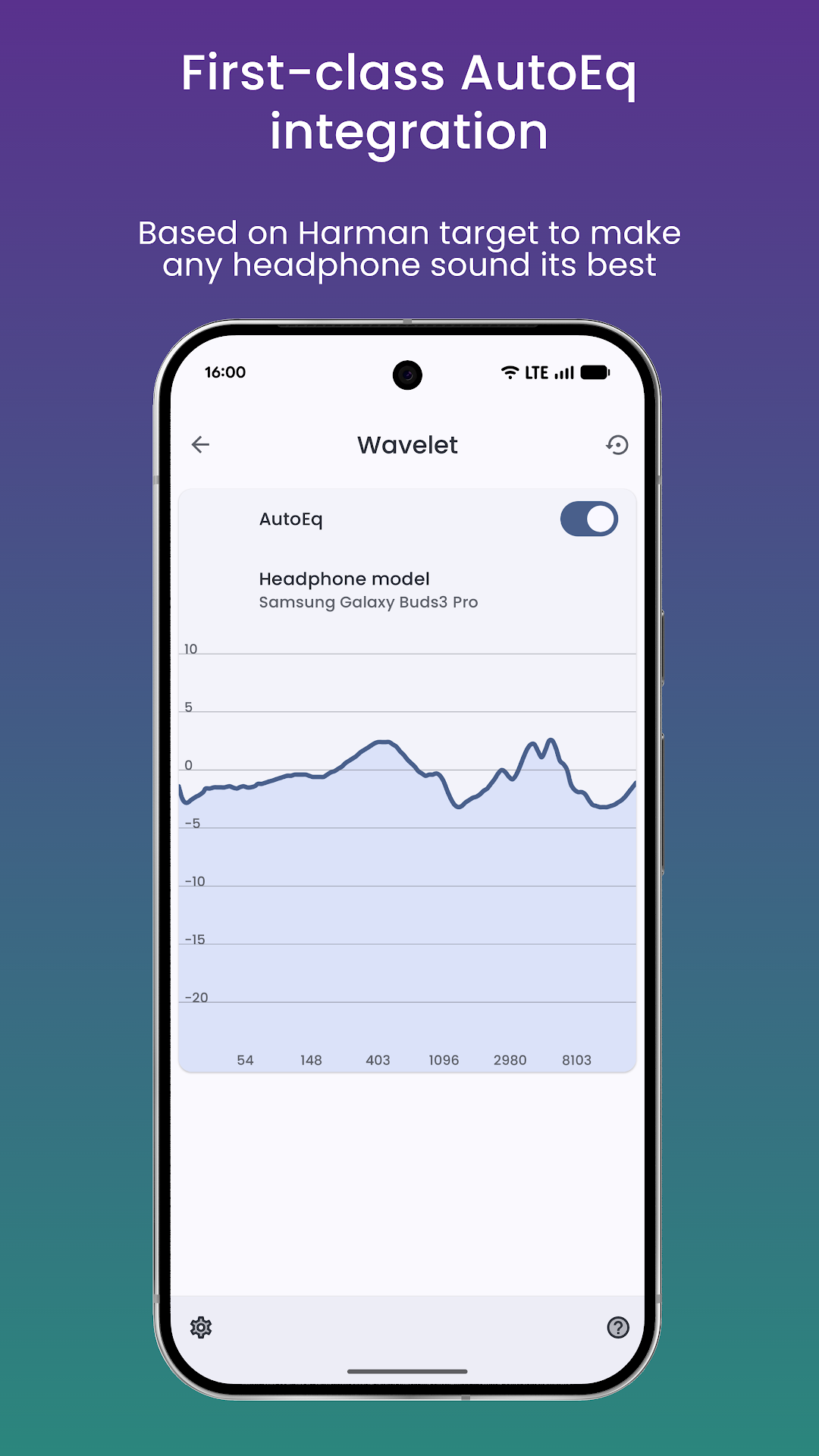
- 🎧 5,000+ AutoEq Headphone Profiles
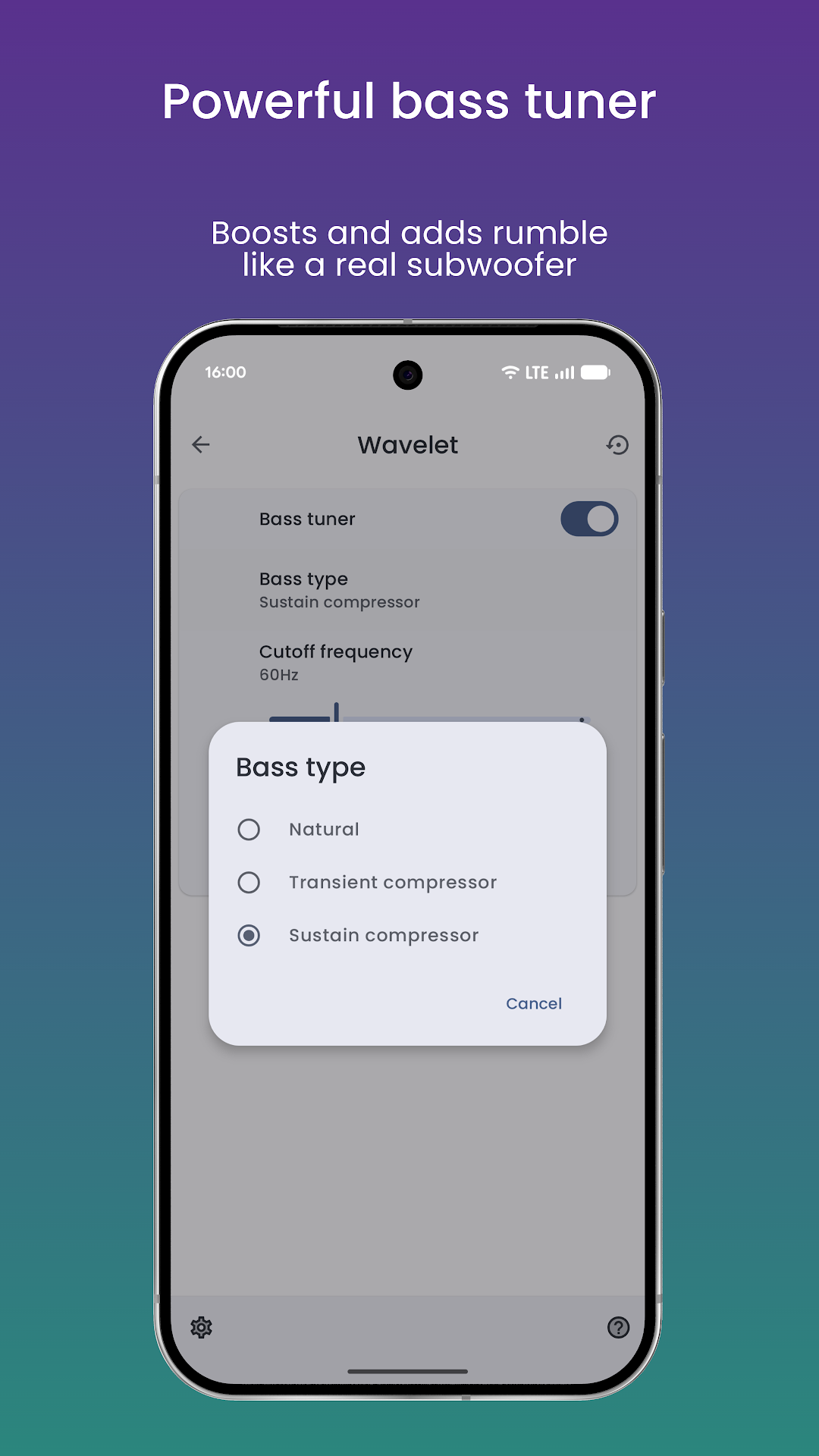
- 🔊 Powerful Bass Tuner
- ✨ Virtualizer & Reverberation
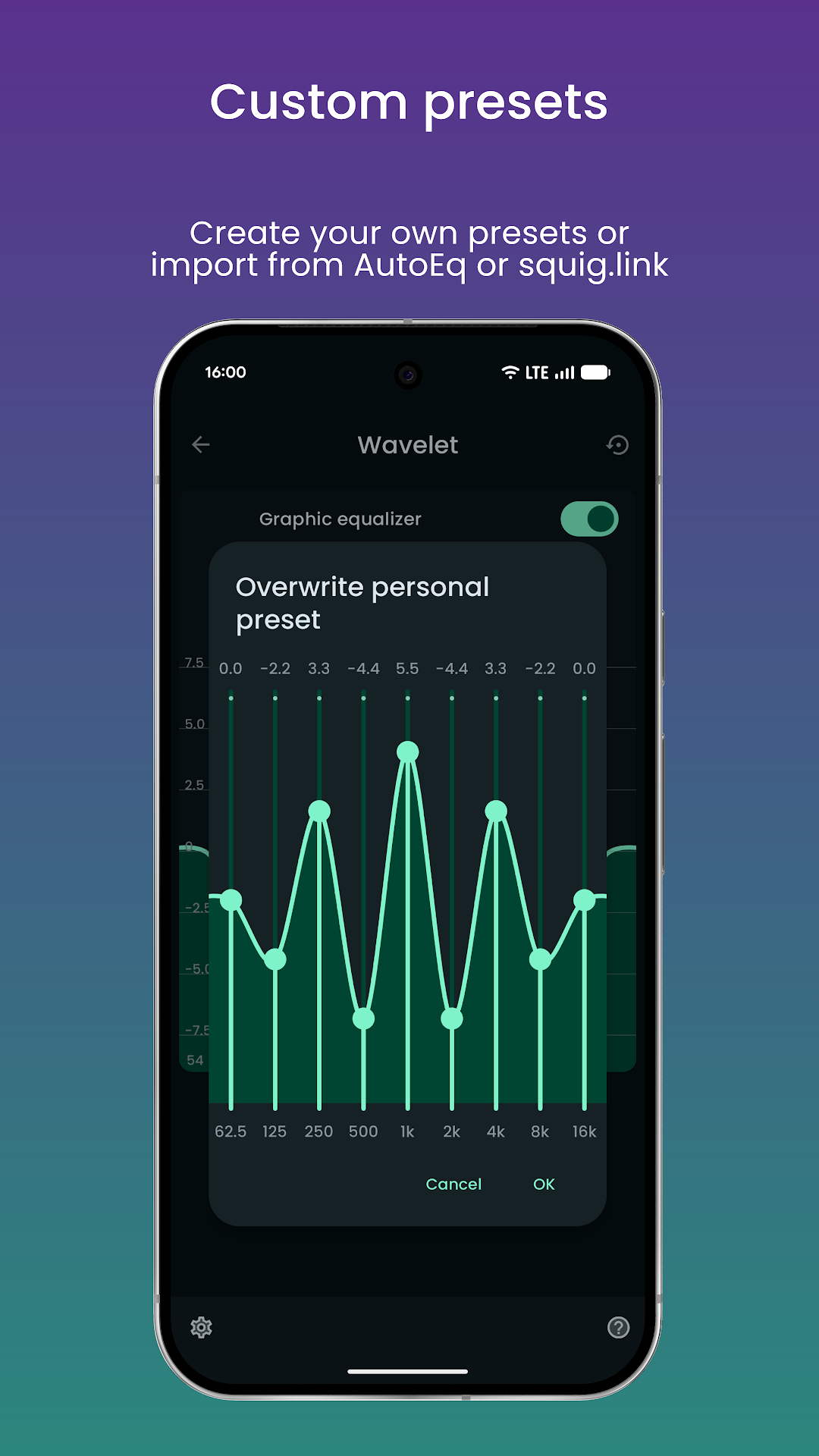
- 🎚️ 9-Band Graphic Equalizer
- ⚖️ Channel Balance Control
- 🛡️ Audio Limiter & Clipping Protection
- 🚫 Ads-Free Experience
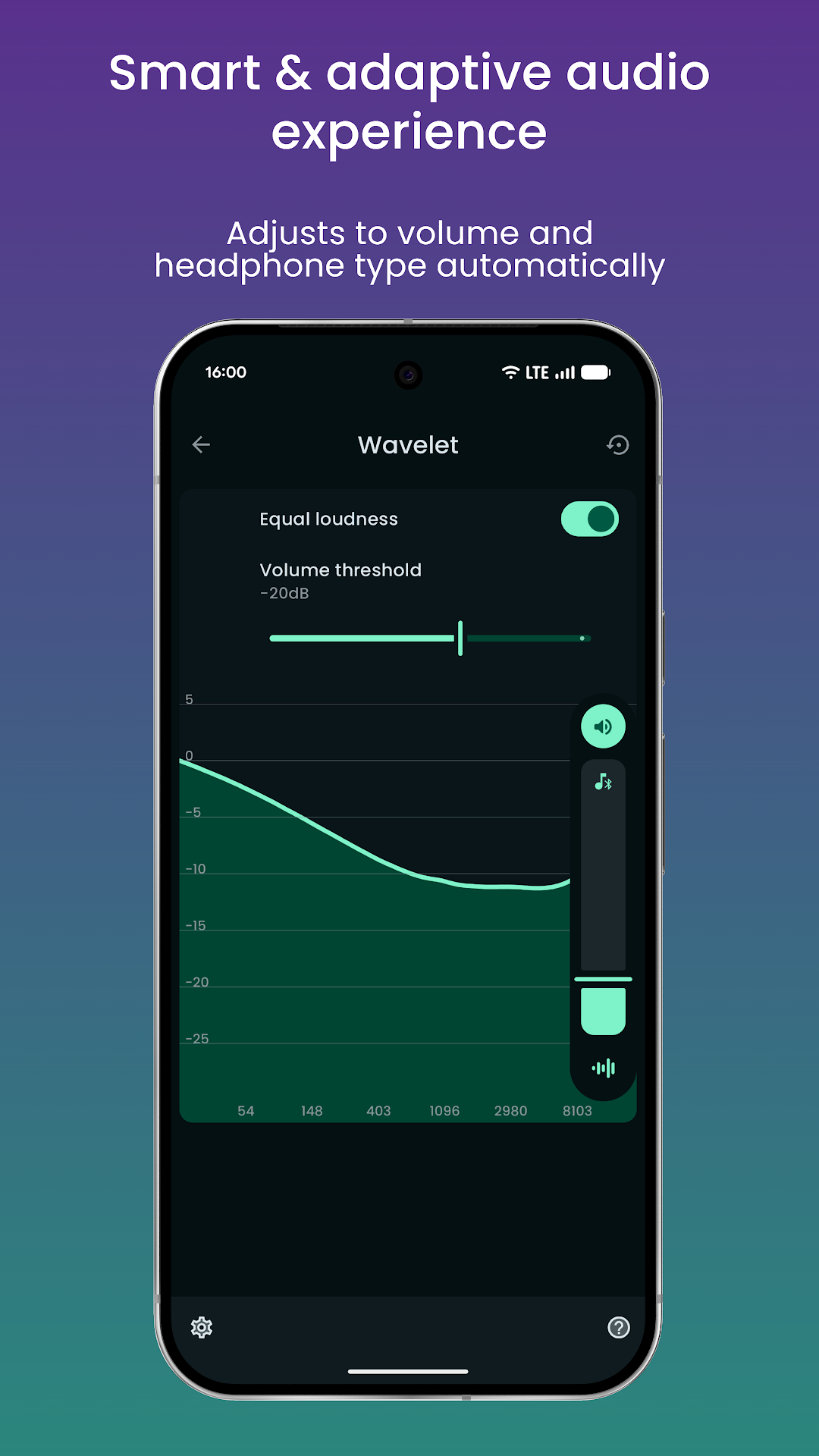
- ⚡ System-Wide Audio Enhancement
- 📱 No Root Required
🎶 Feel Every Beat. Hear Every Detail. Experience Pure Sound!
Take your headphone sound to the next level with Wavelet Wavelet is a powerful, system-wide audio equalizer designed for Android users who want their headphones to perform at their absolute best.
All builds of Wavelet: headphone equalizerWhat's new in 26.04
The author did not leave a note for this version.
Specifications
- Versionv26.04(260406)
- Size5.2 MB
- AndroidAndroid 9 and above
- Target versionAPI 37 (API 37)
- Architectures
- arm64
- arm32
- x86
- x86_64
- InstallationReplaces the original app
- SignatureModified signature
- DUMP
- FOREGROUND_SERVICE
- FOREGROUND_SERVICE_SPECIAL_USE
- MODIFY_AUDIO_SETTINGS
- POST_NOTIFICATIONS
- RECEIVE_BOOT_COMPLETED
- BILLING
- DYNAMIC_RECEIVER_NOT_EXPORTED_PERMISSION
How to install
Download the file
Tap Download above — the file lands in your Downloads folder.
Check your Android version
The build needs Android 9 or newer: Settings → About phone → Android version.
Uninstall the regular version
This build replaces the Google Play app, but its “signature” differs — Android will refuse to install it on top. Uninstall the regular version first (unsynced data is lost), then install the mod.
Install the APK
Open the downloaded file. When Android asks, allow installs from this source (your browser or file manager) and tap Install.
Launch the app
Open the app once installed. Updates appear on this page: a new build by the same author installs on top, one with a different signature needs a reinstall.
Screenshots
Questions and answers
26.04, released November 12, 2026. Updates are published automatically when the author uploads a new build.
Yes, the download is free and needs no sign-up; the file is 5.2 MB.
Uninstall the regular version first: this build has a different signature, and Android will not install it on top. Download the APK to your phone and open it: Android asks you to allow installs from this source, then tap Install. Full guide
In this mod: Mod, Premium unlocked, Everything unlocked, Ad-free, Pro, VIP. The build is not signed by the developer, so uninstall the regular version before installing.